Portable Air Conditioner Hose Seal Energy Plan
A practical home-energy guide to portable AC hose sealing, heat-gain control, humidity, safe electrical use, and room-by-room expectations.
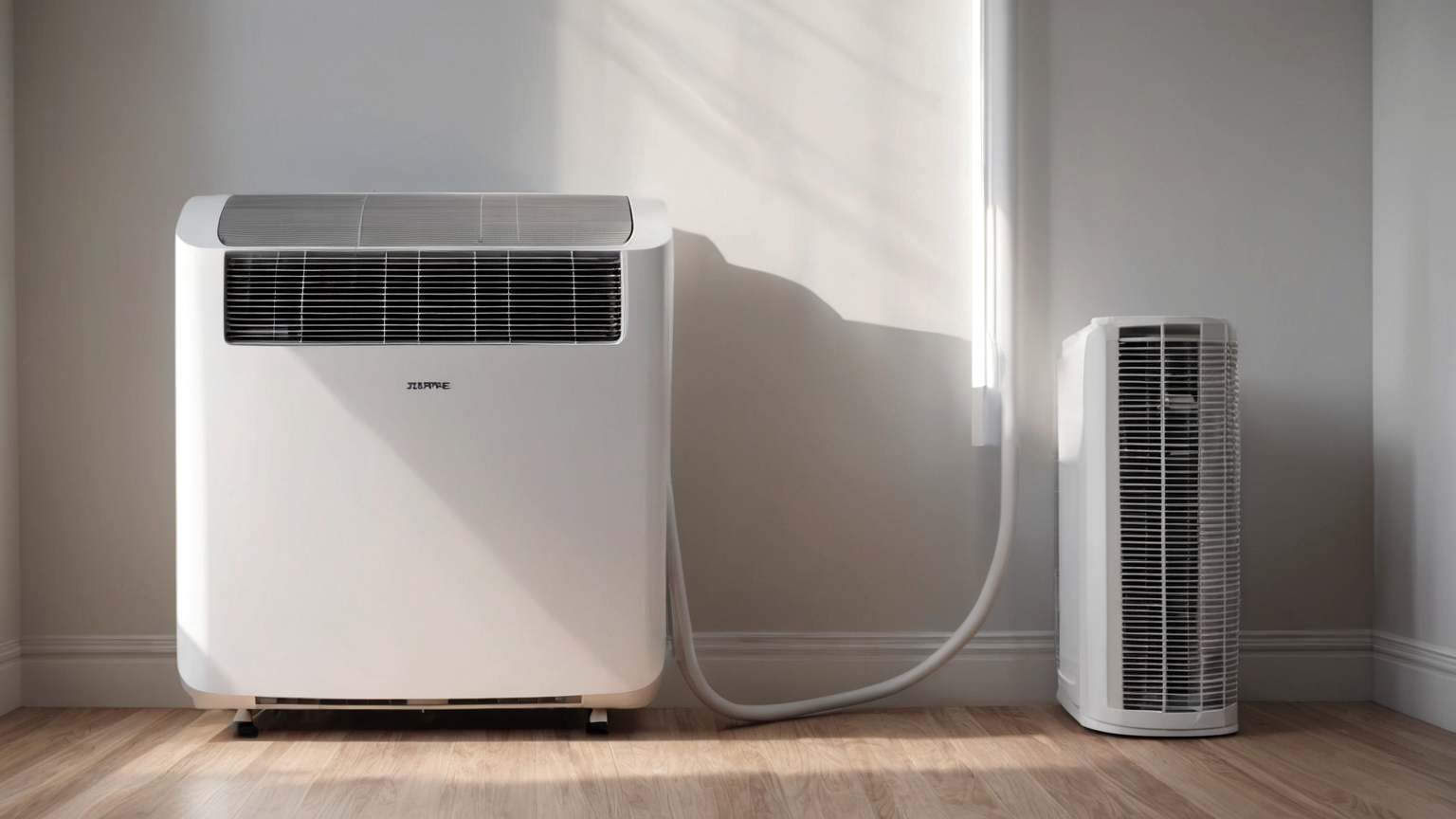
Portable air conditioners can make one room safer and more comfortable during heat, but performance depends on installation details: hose routing, window sealing, sun control, condensate handling, room size, and electrical safety. This guide explains how to reduce avoidable heat gain without pretending that a one-room appliance can cool the whole home.
Portable AC hose-seal energy decision table
| Situation | Safer choice | Mistake to avoid |
|---|---|---|
| Window panel leaks hot air | Seal gaps with appropriate temporary materials | Running the unit harder before fixing the leak |
| Room gains strong afternoon sun | Close shades and reduce indoor heat sources | Assuming AC alone beats full sun |
| Humidity or condensate rises | Follow the manual and manage drainage safely | Ignoring water because the air feels cooler |
| Outlet, plug, or cord feels warm | Stop and get qualified help | Using unsafe extension cords or overloaded circuits |

1. Seal the hose path before judging performance
A portable AC removes heat through its exhaust hose. If the window panel leaks or the hose is kinked, the unit can pull warm air back into the room and run longer for less comfort. Start with the manufacturer window kit, then close visible gaps with removable, non-damaging materials that fit the window type.
Do not crush the hose behind furniture or stretch it across a walking path. A short, smooth hose path is usually better than a long improvised route that leaks heat and creates trip hazards.
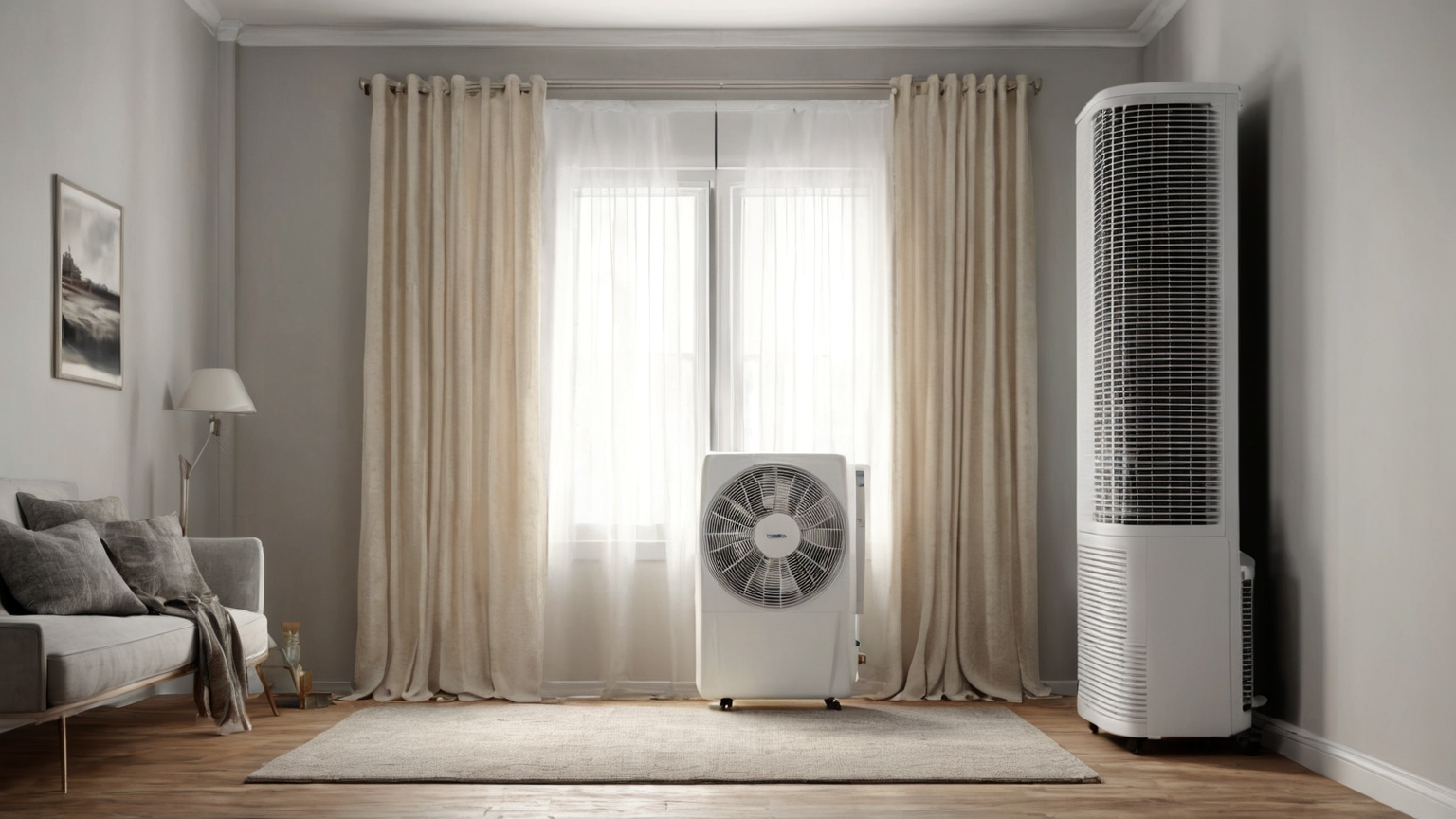
2. Control sun and room heat sources first
Cooling works better when the room is not collecting heat all day. Close curtains during direct sun, avoid oven or dryer use near peak heat, turn off unnecessary electronics, and cool the smallest practical room. A fan can help move air across occupants, but it does not replace exhaust sealing or humidity control.
For bedrooms, pre-cool before sleep when electricity rates and safety allow, then keep the door position consistent. Opening the door to cool adjacent rooms often lowers comfort in the room that matters most.
3. Match expectations to the room, not the whole home
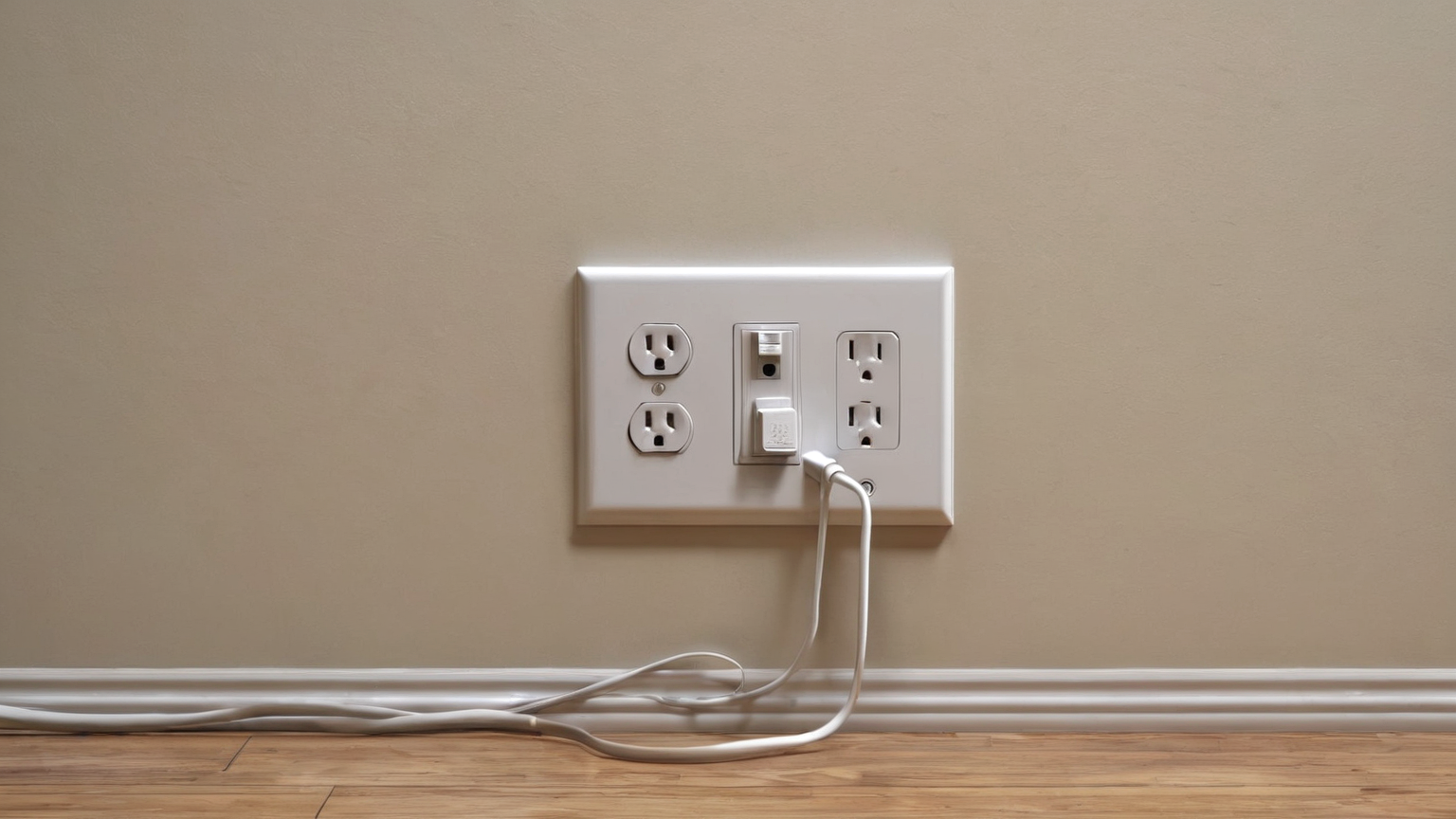
Portable units are best treated as room appliances. Compare the room size, ceiling height, sun exposure, insulation, and number of occupants with the manufacturer guidance and ENERGY STAR context. If the unit cannot keep up, the next step may be shade, a smaller cooling zone, or a different appliance—not simply a lower thermostat setting.
People who are heat-sensitive, older adults, infants, and some pets may need a more conservative cooling plan. During heat alerts, comfort is not the only metric; safety and a backup cool location matter.

4. Respect moisture and electrical safety limits
Condensate, humidity, and electrical load deserve attention. Follow the manual for draining or self-evaporation, keep air paths clean, and stop if the outlet, plug, or cord gets warm. Do not hide cords under rugs or run high-load appliances through improvised extension setups.
Moist rooms may need dehumidification or source control. Cooler air that remains damp can still contribute to mold problems if moisture sources are ignored.

5. Build a heat-wave operating routine
A reliable routine is simple: seal the window, shade the room, start cooling before peak heat, check condensate, keep the door strategy consistent, and identify a cooler backup location. Write the routine once and reuse it during the next alert instead of rediscovering each step under stress.
After the heat wave, inspect the hose, panel, filter, and floor area. Repair small issues before the next event, and keep emergency heat guidance separate from energy-saving advice so readers do not under-cool during dangerous conditions.
Seven-point implementation checklist
- Check current official guidance before relying on memory.
- Set up the physical space before the risky step starts.
- Keep warnings, thresholds, and decision logic in body text rather than image text.
- Scale effort, heat, speed, serving time, resistance, or electrical load down when conditions are uncertain.
- Document the exception so the next attempt improves instead of repeating a mistake.
- Avoid affiliate filler where safety or trust is the main reader need.
- Revisit the plan after the season, trip, event, or household conditions change.
Source notes and limitations
This guide uses sources from CDC, CPSC, DOE Energy Saver, ENERGY STAR, EPA, NOAA/NWS to set conservative decision boundaries. It does not certify a product, diagnose a condition, replace local law, or override professional instructions. If the real situation conflicts with this article, use the current official source, product manual, emergency instruction, clinician, qualified tradesperson, or food-safety authority first.
FAQ
Is this current for June 2026?
The article was prepared and source-checked during the 2026-06-19 publishing workflow. Current DOE/ENERGY STAR guidance, manufacturer instructions, lease rules, heat advisories, and safe electrical setup still take priority.
Does this replace professional advice?
No. It is an energy-use and setup planning guide. Use the product manual, a qualified electrician or HVAC technician, and emergency cooling guidance when heat, wiring, drainage, or installation safety is high-stakes.
Why are the visuals plain?
The GTI13 raster images intentionally avoid readable labels, fake UI, documents, dashboards, and safety-critical text so the facts remain in accessible body copy.
Practical example
A useful way to apply the guide is to write a one-sentence stop rule before starting: “If the setup does not match the checklist, I will choose the lower-risk option.” That sentence prevents the common failure mode: noticing a risk, continuing anyway, and hoping the situation stays normal. It also makes the guidance easier to share with another person because the decision is not personal; it is part of the system.
AdSense-readiness note
This article intentionally prioritizes source-backed, user-first guidance over product recommendations. Internal links point to related practical guides, the sources are visible in frontmatter, and the limitations section avoids overclaiming. That preserves trust signals while adding a new helpful route to the site.